Chitose千歲
A desktop study for focus, writing, and everyday growth.
Windows・Planned for Steam


Open Chitose when you want to read, write, or focus on the task in front of you. She sits by the window in the Parlour, writing; put on some music and spend a little time working alongside her. When an idea comes to you, step into the Study and jot it down.
Sit by the window with Chitose
Tea-house daylight, a city in the rain, a seaside morning, or a window surrounded by greenery: all four Chitose views are available from the start. Click the scene to put the interface away, or switch to full screen when you want a quieter view.
There are 36 built-in music tracks and 13 ambient scenes without a character, with some tracks and ambient scenes opening up as you grow. You can also add your own music and videos, or supported online embeds, to make the view your own.
Give the next stretch of time to one thing
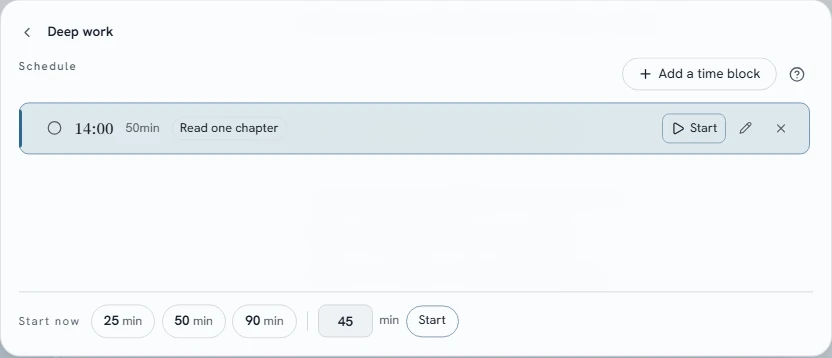
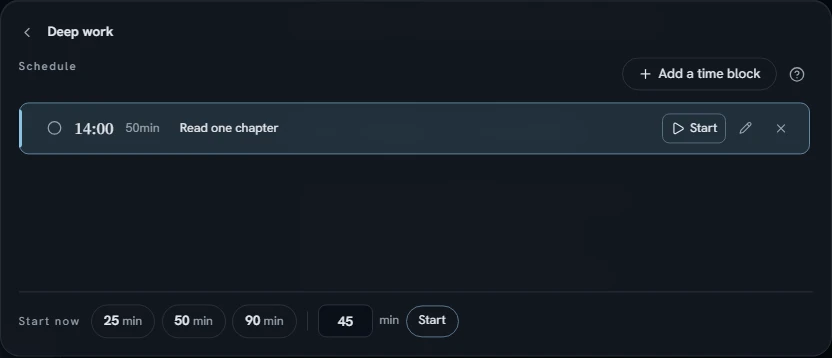
Before you begin, write down what you want to work on. Choose 25, 50, or 90 minutes, or set your own duration. Switch to the immersive timer view when you want fewer distractions.
Use the Pomodoro timer to alternate work and rest, and keep track of what you need to do with the to-do list. Focus timers and music carry on across rooms, so a change of view doesn’t mean starting over.
See your everyday progress
Check your daily focus and writing records in the Records room, or use the calendar to look back on your progress. More music, ambient scenes, and achievements unlock as you use Chitose.
When you need a break, play a round of Chitose’s small game before getting back to work.
Turn scattered ideas into knowledge of your own
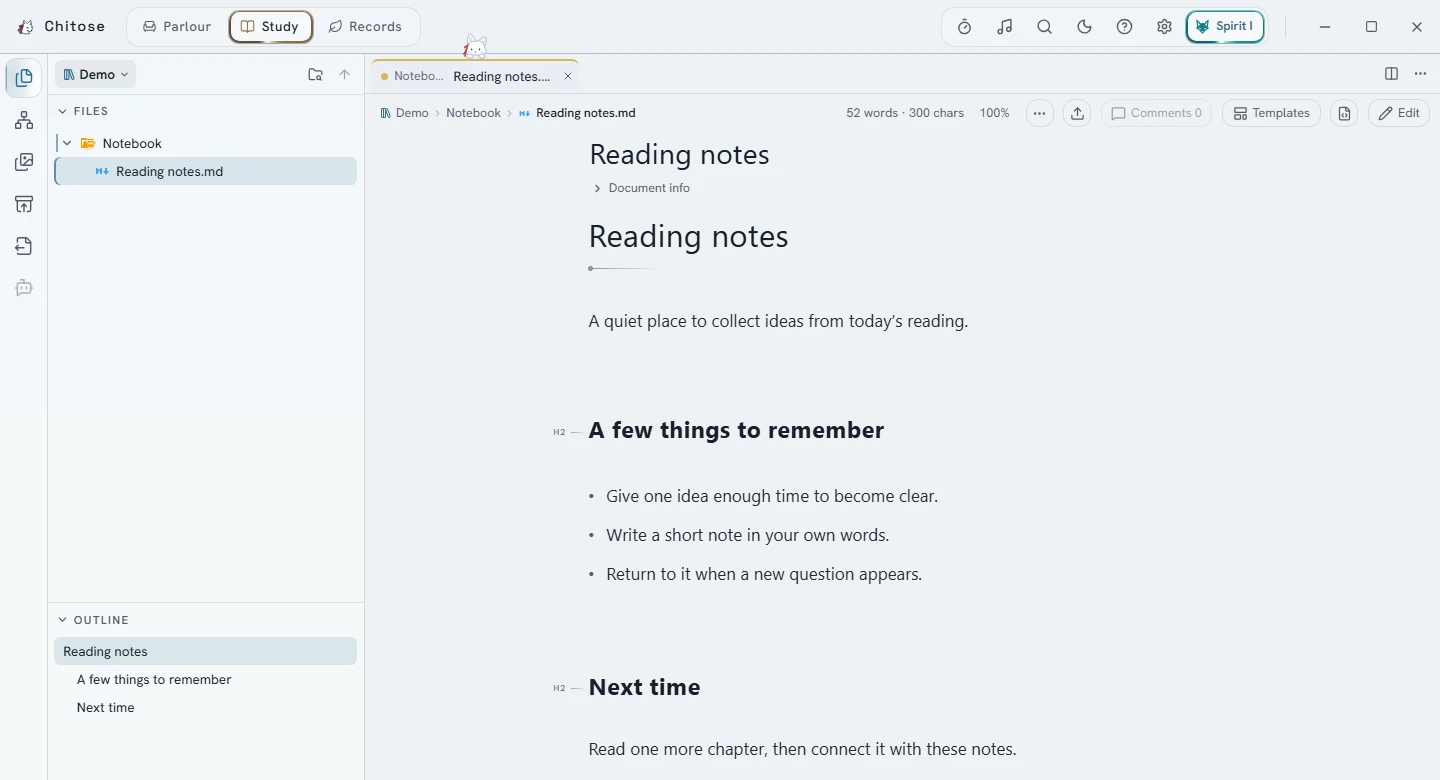
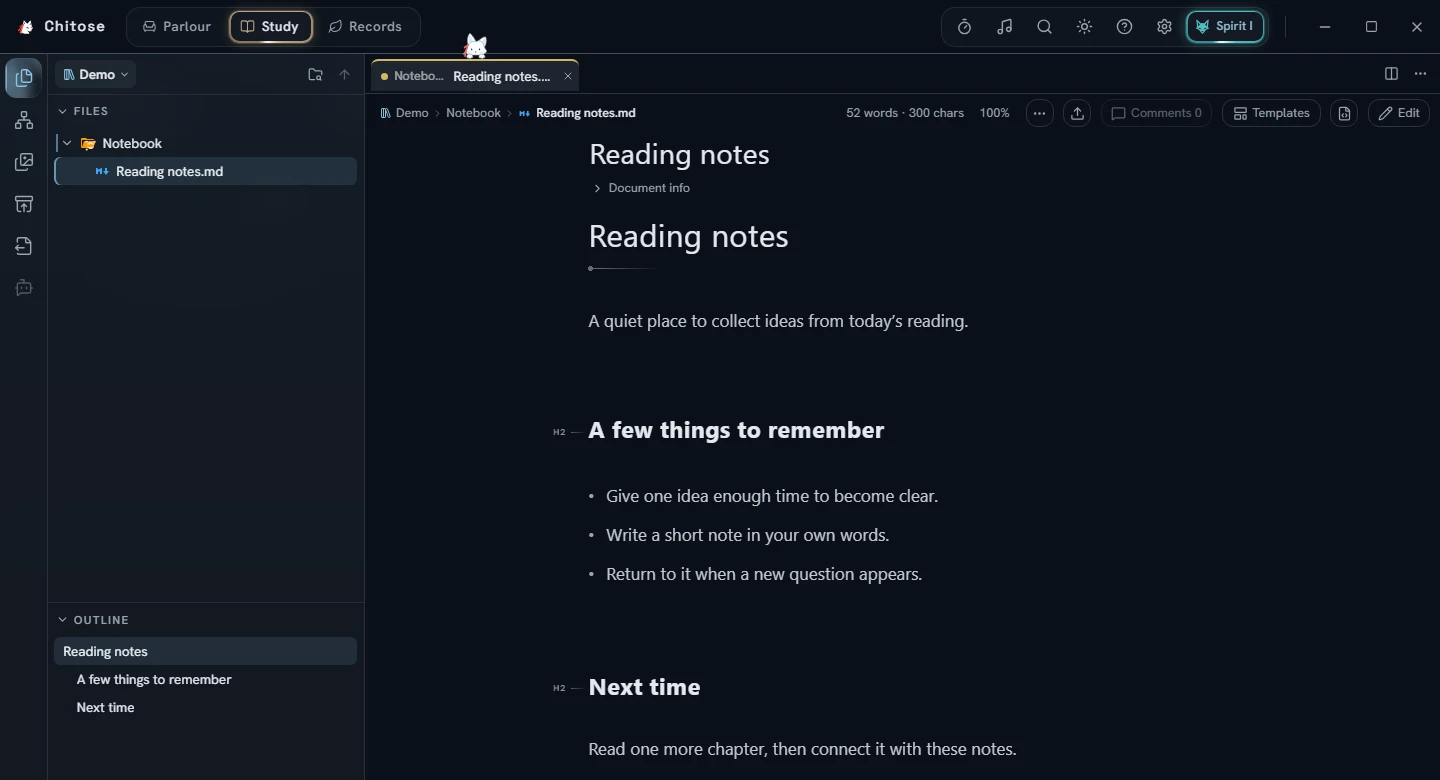
In the Study, organize your notes in files and folders. Group them by topic in the file tree, or open a folder as a zoomable tree view. Tabs and side-by-side or stacked panes let you read and compare documents together.
Notes use the widely supported Markdown text format, with formatting shown as you write, and can be opened in other editors. Full-text search, text comments, and version history help you find passages and revisit changes. Export an organized folder as website files or a PDF document, leaving out individual notes you don’t want to publish.
Before you begin
- Chitose is a Windows desktop app with interfaces in Traditional Chinese, Simplified Chinese, English, and Japanese.
- Notes and focus records stay on your computer. Notes, focus timers, and local music and videos work offline, with no Chitose account required.
- Artificial intelligence (AI) chat and assistance are optional and off by default. To enable them, you need your own installed and signed-in Claude Code or Codex. Using AI connects to the selected provider, which processes your conversations and any content the tool reads. Usage and charges depend on your provider’s plan.
- Online embeds and remote images need an internet connection. Chitose’s artwork and music were made using generative AI.